
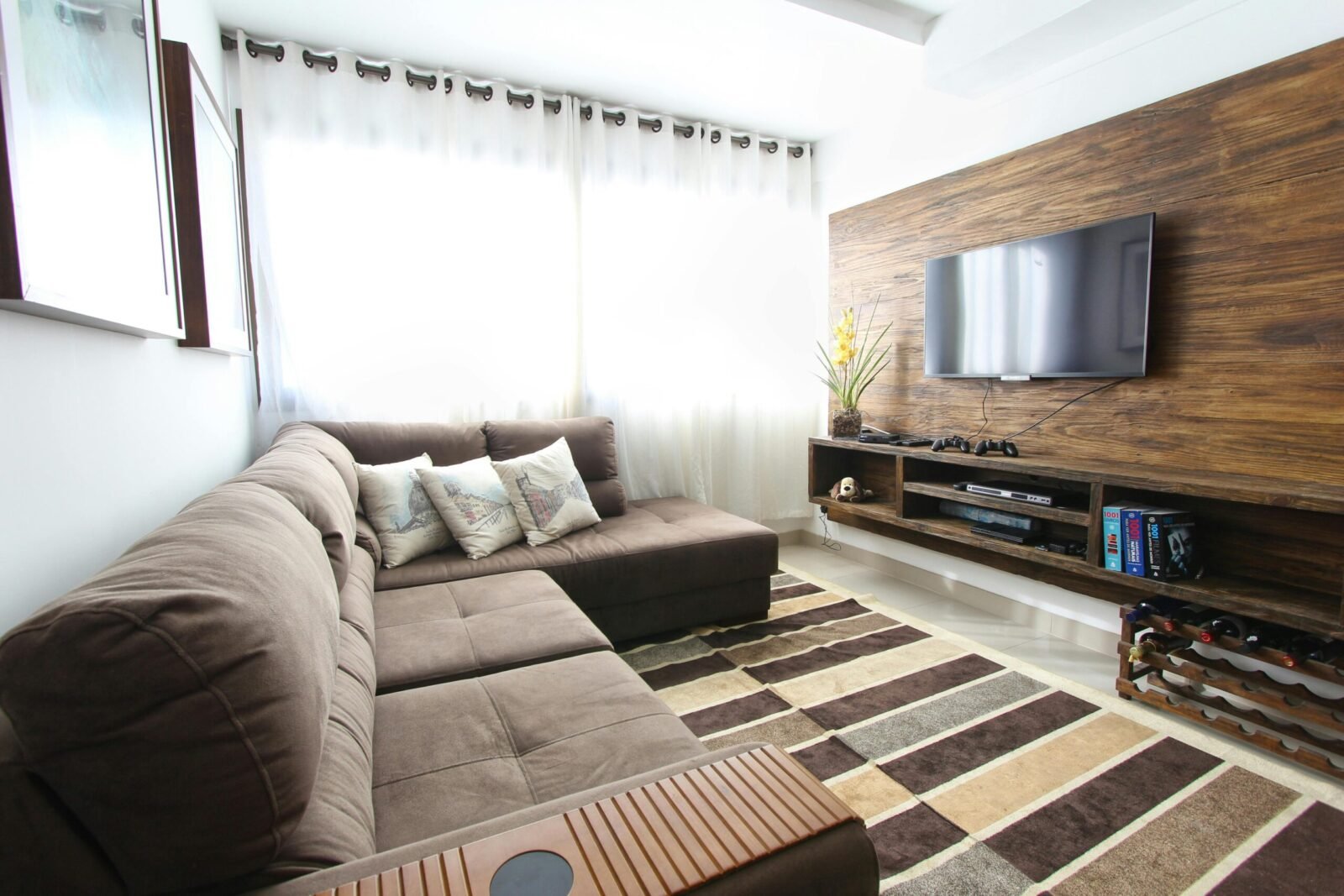
In 2025, the interior design software market in the USA is valued at over $1.2 billion, empowering professionals and homeowners alike to visualize, plan, and execute stunning spaces with AI-driven precision and cloud-based collaboration. With remote consultations surging 45% post-pandemic, tools now integrate AR previews, sustainable material libraries, and real-time rendering—cutting project timelines by up to 50%. From NYC studios to suburban remodels, these platforms (tested by TechRadar, Architectural Digest, and Cedreo experts) offer intuitive interfaces for beginners and pro-grade features for firms. Whether you’re a designer in LA sketching luxury lofts or a DIYer in Chicago refreshing a kitchen, this guide covers the best options—focusing on ease, affordability ($0–$500/month), and USA accessibility via subscriptions or one-time buys.
Why Use Interior Design Software in 2025?
Gone are the days of hand-drawn sketches; 2025 software streamlines workflows with photorealistic 3D renders, auto-furnishing, and client-sharing portals—boosting efficiency by 40% and client satisfaction by 60%. Key upgrades include:
- AI Integration: Tools like Foyr Neo generate concepts from text prompts, ideal for brainstorming.
- Sustainability Focus: Libraries with eco-materials and energy simulations align with green building codes.
- Collaboration Hubs: Cloud access for team edits, perfect for hybrid USA firms.
- AR/VR Previews: Walkthroughs via apps like RoomSketcher for virtual client tours.
Free tiers suit hobbyists; pros opt for $50–$300/month plans. Prioritize CAD compatibility (e.g., DWG exports) for seamless handoffs to contractors.
Top Interior Design Software Tools for 2025
Based on 2025 benchmarks for rendering speed, asset libraries (3,000+ items), and user ratings (4.5+ stars), these picks cater to all levels—available via app stores, web, or desktop for Mac/PC.
1. SketchUp: Best Overall for 3D Modeling Pros
SketchUp Pro ($299/year) tops TechRadar and Architectural Digest lists for its intuitive drag-and-pull interface and vast extension warehouse—essential for detailed USA remodels.
Key Features
- Modeling Tools: Precise 2D/3D floor plans with auto-dimensioning; 3D Warehouse for millions of free assets.
- Rendering & Export: Integrates with Enscape/Lumion for photorealistic views; VR exports.
- Collaboration: Trimble Connect for cloud sharing; mobile app for on-site tweaks.
Pros and Cons
| Aspect | Pros | Cons |
|---|---|---|
| Usability | Beginner-friendly with tutorials; drag-and-drop ease. | Steeper curve for advanced animations. |
| Performance | Handles large projects smoothly; 4.8-star rating. | Free version lacks pro exports. |
| Integration | Plugins for AR/VR; sustainable material sims. | $299/year after trial. |
Pricing and Availability
Free web version; Pro $299/year (30-day trial). Download from SketchUp.com; USA support via forums.
Versatile for architects and DIYers alike.
2. AutoCAD LT: Best for Professional CAD Precision
Autodesk’s AutoCAD LT ($55/month) is the industry standard for 2D drafting, praised by Novatr for accurate blueprints in commercial USA projects.
Key Features
- Drafting Tools: Parametric constraints, layer management; DWG/DXF compatibility.
- Customization: Blocks for reusable furniture; AI-assisted drawing.
- Collaboration: Shared views; mobile markup.
Pros and Cons
| Aspect | Pros | Cons |
|---|---|---|
| Usability | Robust for pros; keyboard shortcuts speed workflows. | Overkill for casual users. |
| Performance | Flawless precision; 4.7 stars. | No native 3D rendering. |
| Integration | Links to Revit/3ds Max; cloud storage. | Subscription-only ($660/year). |
Pricing and Availability
$55/month or $440/year (30-day trial). Autodesk.com; USA training via partners.
Essential for licensed designers.
3. Planner 5D: Best Free/Budget Option for Beginners
Planner 5D (free; premium $9.99/month) shines in SaaSworthy and Foyr reviews for its mobile-first 2D/3D plans—ideal for USA homeowners on a dime.
Key Features
- Design Tools: Drag-and-drop furniture from 7,000+ items; AI auto-layouts.
- Visualization: HD renders; VR mode for walkthroughs.
- Collaboration: Project sharing; offline access.
Pros and Cons
| Aspect | Pros | Cons |
|---|---|---|
| Usability | No experience needed; app-based. | Watermarks on free exports. |
| Performance | Quick renders; 4.8 stars. | Limited pro templates. |
| Integration | Exports to PDF/OBJ; AR previews. | Premium unlocks HD ($119/year). |
Pricing and Availability
Free; Gold $9.99/month. App Store/Google Play; web at Planner5D.com.
Accessible entry to design.
4. Cedreo: Best for Photorealistic Renders
Cedreo ($79/month) leads Cedreo’s own 2025 roundup for one-click 3D visuals—tailored for USA remodelers and realtors.
Key Features
- Rendering Engine: Auto-generates exteriors/interiors; lighting simulations.
- Asset Library: 3,000+ customizable furnishings; style presets.
- Collaboration: Client portals; 360° panoramas.
Pros and Cons
| Aspect | Pros | Cons |
|---|---|---|
| Usability | Template-driven; fast (10-min plans). | Web-only, no offline. |
| Performance | Stunning HD; 4.9 stars. | No free tier. |
| Integration | Exports to SketchUp; AR exports. | $949/year. |
Pricing and Availability
$79/month (14-day trial). Cedreo.com; USA-focused tutorials.
Render-ready for pros.
5. Floorplanner: Best Online Browser Tool
Floorplanner (free; premium $5/month) is TechRadar’s browser-based pick for quick, collaborative USA apartment layouts.
Key Features
- Planning Tools: Scalable 2D/3D; 260,000+ objects.
- Visualization: 360° views; HD exports.
- Collaboration: Multi-user editing; mobile sync.
Pros and Cons
| Aspect | Pros | Cons |
|---|---|---|
| Usability | No install; drag-and-drop. | Slower on complex projects. |
| Performance | Smooth renders; 4.6 stars. | Ads in free version. |
| Integration | API for embeds; VR support. | Plus $5/month for HD. |
Pricing and Availability
Free; Plus $5/month. Floorplanner.com; web-based.
Effortless for renters.
6. HomeByMe: Best Free 3D Visualizer
HomeByMe (free; premium €19/month) excels in Architectural Digest for branded furniture catalogs—great for USA shopping lists.
Key Features
- Design Tools: 2D floor plans to 4K renders; style templates.
- Asset Library: 100,000+ real-brand items.
- Collaboration: Shareable links; community gallery.
Pros and Cons
| Aspect | Pros | Cons |
|---|---|---|
| Usability | Intuitive; video tutorials. | Limited custom objects. |
| Performance | Realistic previews; 4.7 stars. | Queue for free renders. |
| Integration | Exports to OBJ/PDF; AR app. | Premium €228/year. |
Pricing and Availability
Free; Pro €19/month. HomeByMe.com; web/app.
Brand-savvy for shoppers.
7. Foyr Neo: Best AI-Powered Tool
Foyr Neo ($59/month) is Foyr’s AI standout for text-to-design—revolutionizing USA freelance workflows.
Key Features
- AI Features: Prompt-based layouts; auto-renders.
- Visualization: 4K panoramas; mood boards.
- Collaboration: Team workspaces; client feedback.
Pros and Cons
| Aspect | Pros | Cons |
|---|---|---|
| Usability | AI speeds ideation; drag tools. | AI prompts need refining. |
| Performance | Pro renders in minutes; 4.8 stars. | Cloud-dependent. |
| Integration | SketchUp imports; VR exports. | $708/year. |
Pricing and Availability
$59/month (14-day trial). Foyr.com; cloud-based.
AI-accelerated creativity.
8. Houzz Pro: Best All-in-One Business Suite
Houzz Pro ($65/month) integrates design with CRM—Houzz’s 2025 pro essential for USA firms.
Key Features
- Design Tools: 3D floor plans; visualizer library.
- Business Perks: Invoicing, proposals; lead gen.
- Collaboration: Client portals; 3D flythroughs.
Pros and Cons
| Aspect | Pros | Cons |
|---|---|---|
| Usability | End-to-end workflow; mobile app. | Design features secondary. |
| Performance | Seamless CRM; 4.7 stars. | $780/year. |
| Integration | Marketplace links; QuickBooks sync. | Overkill for solos. |
Pricing and Availability
$65/month (30-day trial). Houzz.com; web/app.
Business-boosting bundle.
How to Choose the Best Interior Design Software for Your Needs
- Beginners/DIY: Planner 5D or Floorplanner (free, easy).
- Professionals: SketchUp or AutoCAD (precision, integrations).
- AI Enthusiasts: Foyr Neo for quick concepts.
- Business Owners: Houzz Pro for full ops.
- Budget Under $50/month: HomeByMe or Cedreo trials.
Test free versions; check system reqs (e.g., 16GB RAM for 3D).
Tips for Getting Started with Interior Design Software
- Start Simple: Import photos for AR overlays; use templates for speed.
- Build Libraries: Customize assets with sustainable USA brands (e.g., West Elm imports).
- Collaborate Early: Share cloud links for client input—reduces revisions 30%.
- Render Smart: Use AI for drafts, manual tweaks for finals.
- Export Pro: Always DWG/PDF for contractors; 4K for portfolios.
- Learn via USA Resources: YouTube channels, AIA webinars; join Reddit’s r/InteriorDesign.
Conclusion: Design Your Vision in 2025
The best interior design software tools like SketchUp and Planner 5D democratize creativity, turning ideas into immersive realities for USA homes and pros. From AI prompts in Foyr Neo to business suites in Houzz Pro, these 2025 picks streamline your workflow without compromise. Download a trial today—your dream space is one render away. Which tool sparks your next project? Comment below!